
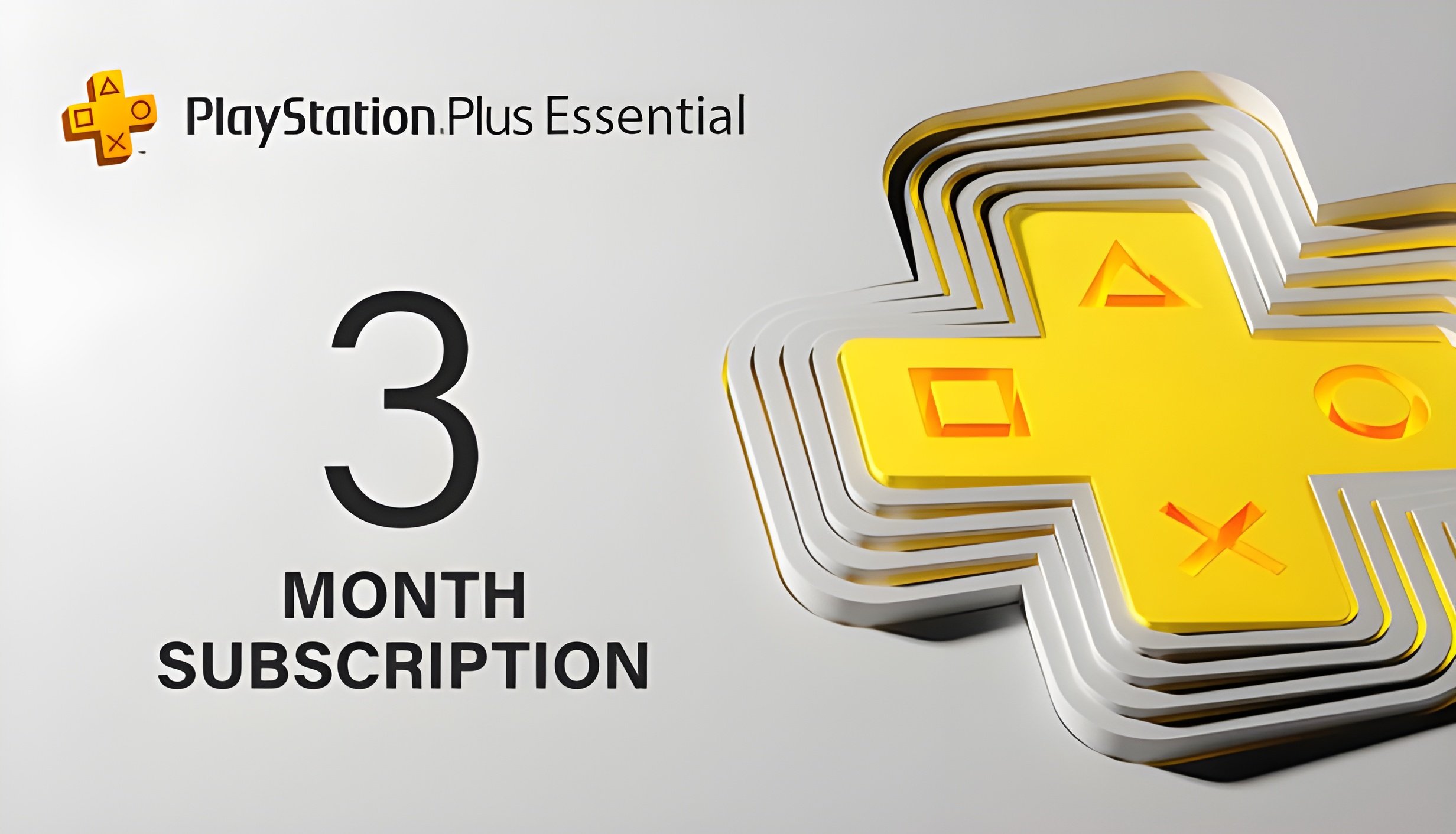
This is Playstation Plus Essential Primary Account paid for 3 Months. PSN Account and Mail Account credentials will be delivered same day to your mail address or whatsapp. Just Login!
Enjoy More of What You Love with PlayStation Plus
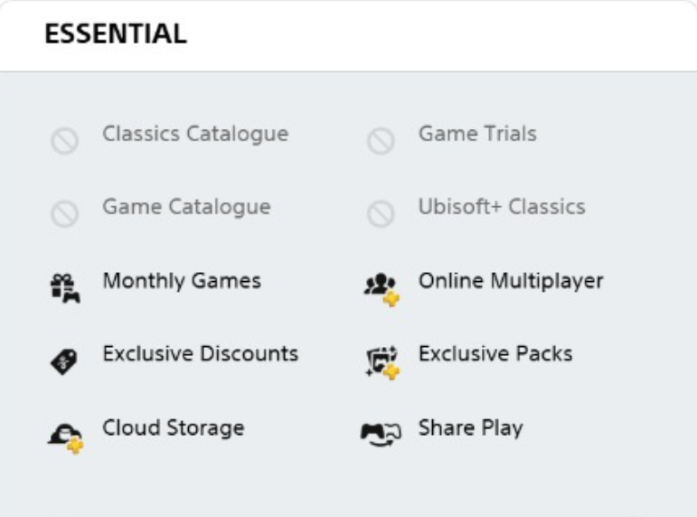
Unlock fresh adventures every month, team up with friends in online multiplayer, and take advantage of exclusive discounts — all designed to give you more of the gaming experiences you enjoy, every time you play.
Note: This is Primary Account meaning you need to turn On Console sharing so your own PSN Accounts gets online multiplayer. Download PS PLUS free games and play from your own Account.
Instructions:
On your PS5, go to Settings.
Select Users and Accounts.
Scroll down to Other.
Choose Console Sharing and Offline Play.
Select Enable.
This is Playstation Plus Essential Primary Account paid for 3 Months. PSN Account and Mail Account credentials will be delivered same day to your mail address or whatsapp. Just Login!
Enjoy More of What You Love with PlayStation Plus
Unlock fresh adventures every month, team up with friends in online multiplayer, and take advantage of exclusive discounts — all designed to give you more of the gaming experiences you enjoy, every time you play.
Note: This is Primary Account meaning you need to turn On Console sharing so your own PSN Accounts gets online multiplayer. Download PS PLUS free games and play from your own Account.
Instructions:
On your PS5, go to Settings.
Select Users and Accounts.
Scroll down to Other.
Choose Console Sharing and Offline Play.
Select Enable.